CSS Gradients
CSS Gradients
Section titled “CSS Gradients”CSS Gradients allow us to create colorful visual backgrounds without using images.
They are written as a value of the background property.
We can create:
linear gradients
Section titled “linear gradients”#linear-gradient { background: linear-gradient( 0deg, rgba(2, 0, 36, 1) 0%, rgba(0, 212, 255, 1) 100% );}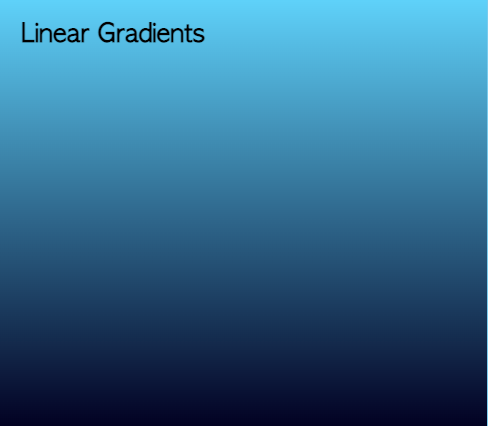
radial gradients
Section titled “radial gradients”#radial-gradient { background: radial-gradient( circle, rgba(245, 242, 38, 1) 0%, rgba(253, 29, 29, 1) 100% );}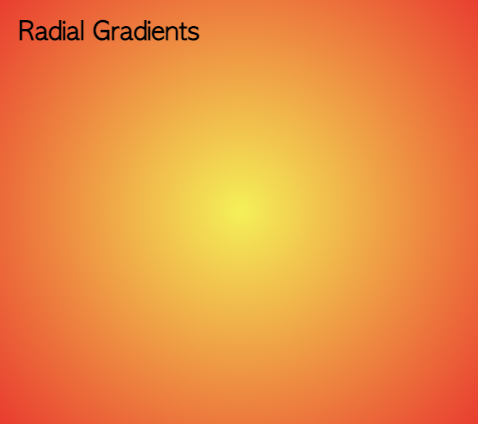
conic gradients
Section titled “conic gradients”#conic-gradient { background: conic-gradient(red, yellow);}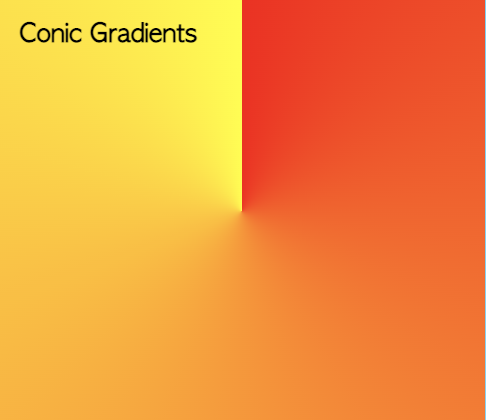
repeating gradients
Section titled “repeating gradients”#repeating-gradient { background: repeating-conic-gradient( from 45deg at 50% 100%, red 0deg 15deg, yellow 30deg 60deg );}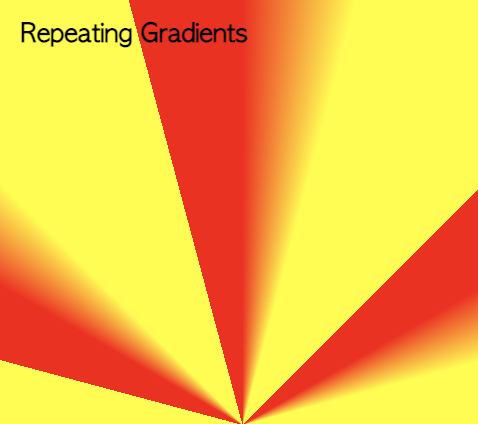
Multiple Gradients
Section titled “Multiple Gradients”We can also define multiple gradients by specifying them as a comma separated list. In this case, they are stacked (first on top).
#multiple-gradient { background: linear-gradient( 0deg, rgb(24, 14, 216) 0%, rgba(0, 212, 255, 0.8) 20%, rgba(0, 212, 255, 0) 30% ), radial-gradient(circle, rgba(245, 242, 38, 1) 0%, rgba(247, 235, 50, 1) 20%, rgba( 253, 29, 29, 1 ) 30%, rgba(252, 176, 69, 1) 100%);}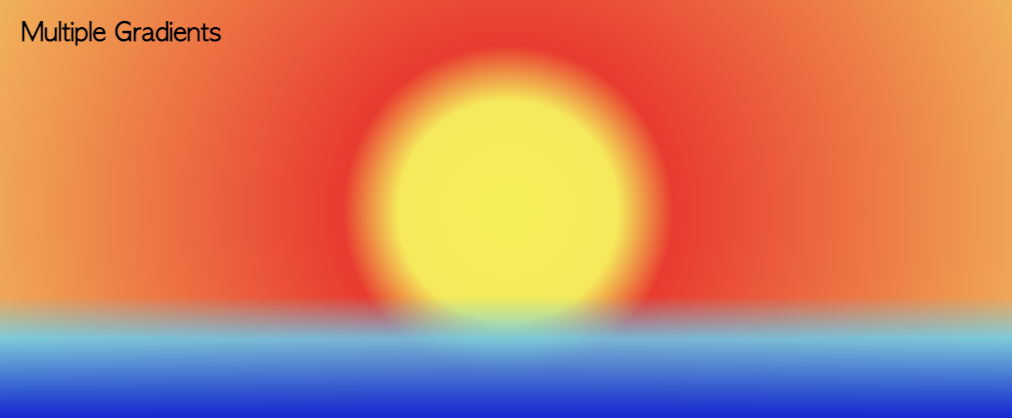
Reference Links
Section titled “Reference Links”The syntax for CSS gradients can be quite complex, so it is common to use a generator
…and, as always, check the MDN Web docs
https://developer.mozilla.org/en-US/docs/Web/CSS/CSS_Images/Using_CSS_gradients