Opacity
Opacity and Transparency
Section titled “Opacity and Transparency”Simple Opacity
Section titled “Simple Opacity”Sets the opacity (transparency) of an element as a value between 0 (fully transparent) and 1 (fully opaque).
#opacity div.josh-box { width: 100%; opacity: 0.6; position: relative; left: 15%; top: 15%;}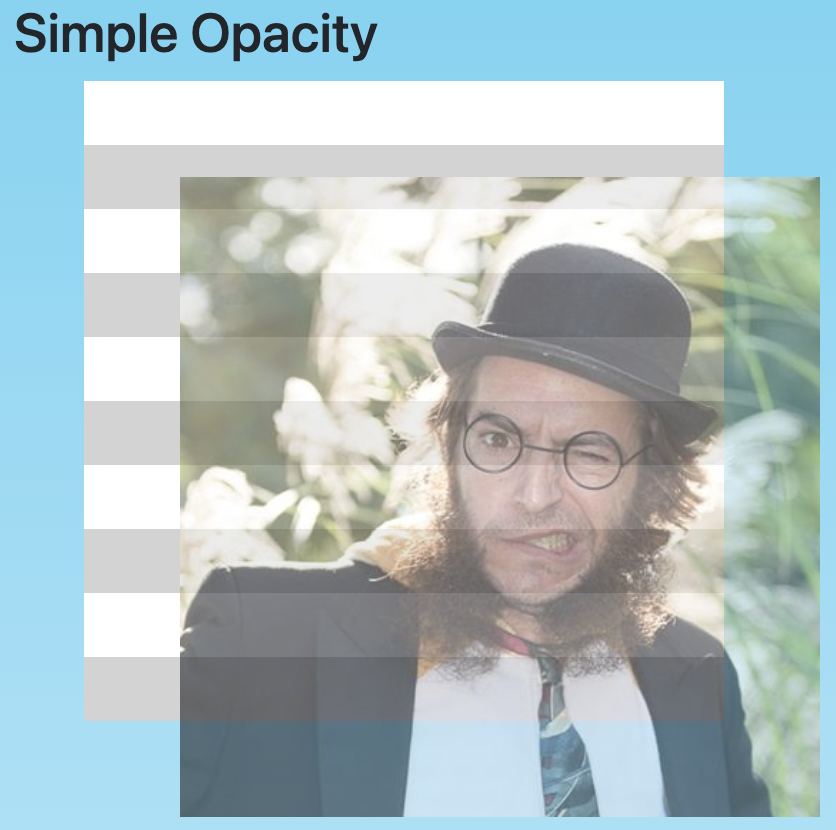
Opacity Inheritance
Section titled “Opacity Inheritance”Opacity applies to the targeted element as well as all all its descendant elements.
#opacity div.josh-box {  width: 100%;  opacity: 0.6;  position: relative;  left: 15%;  top: 15%;}
.red-box,.blue-box {  opacity: 1;  position: absolute;}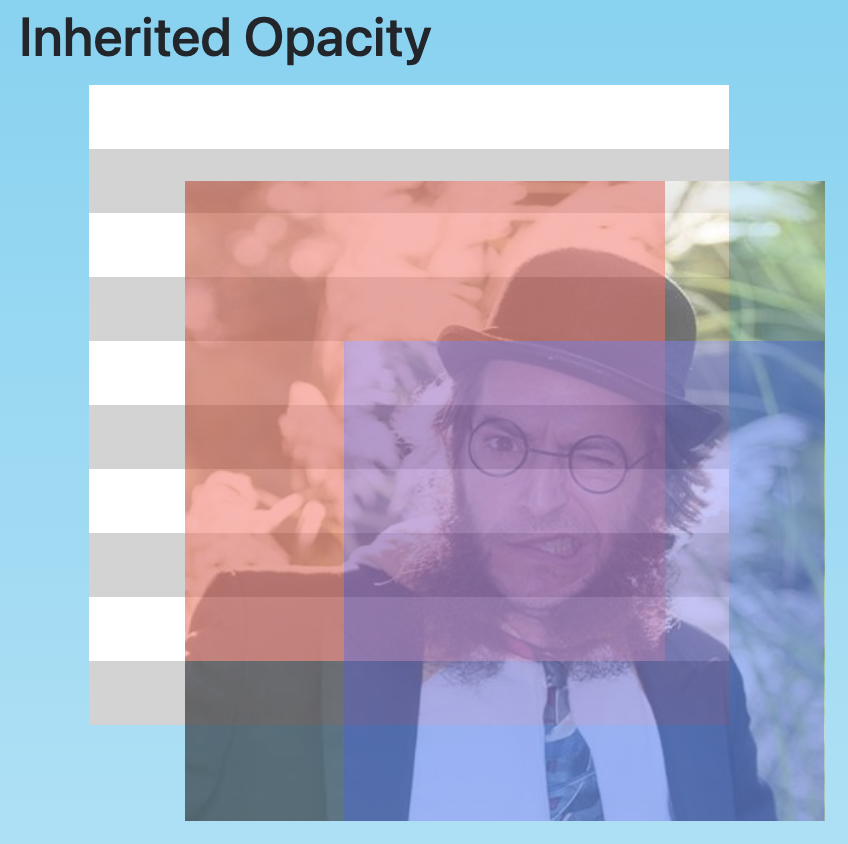
Descendant elements cannot override the inherited opacity level of higher up elements towards greater opacity (closer to 1), though they can further decrease the opacity.
The opacity value is also sometimes referred to as the alpha value.
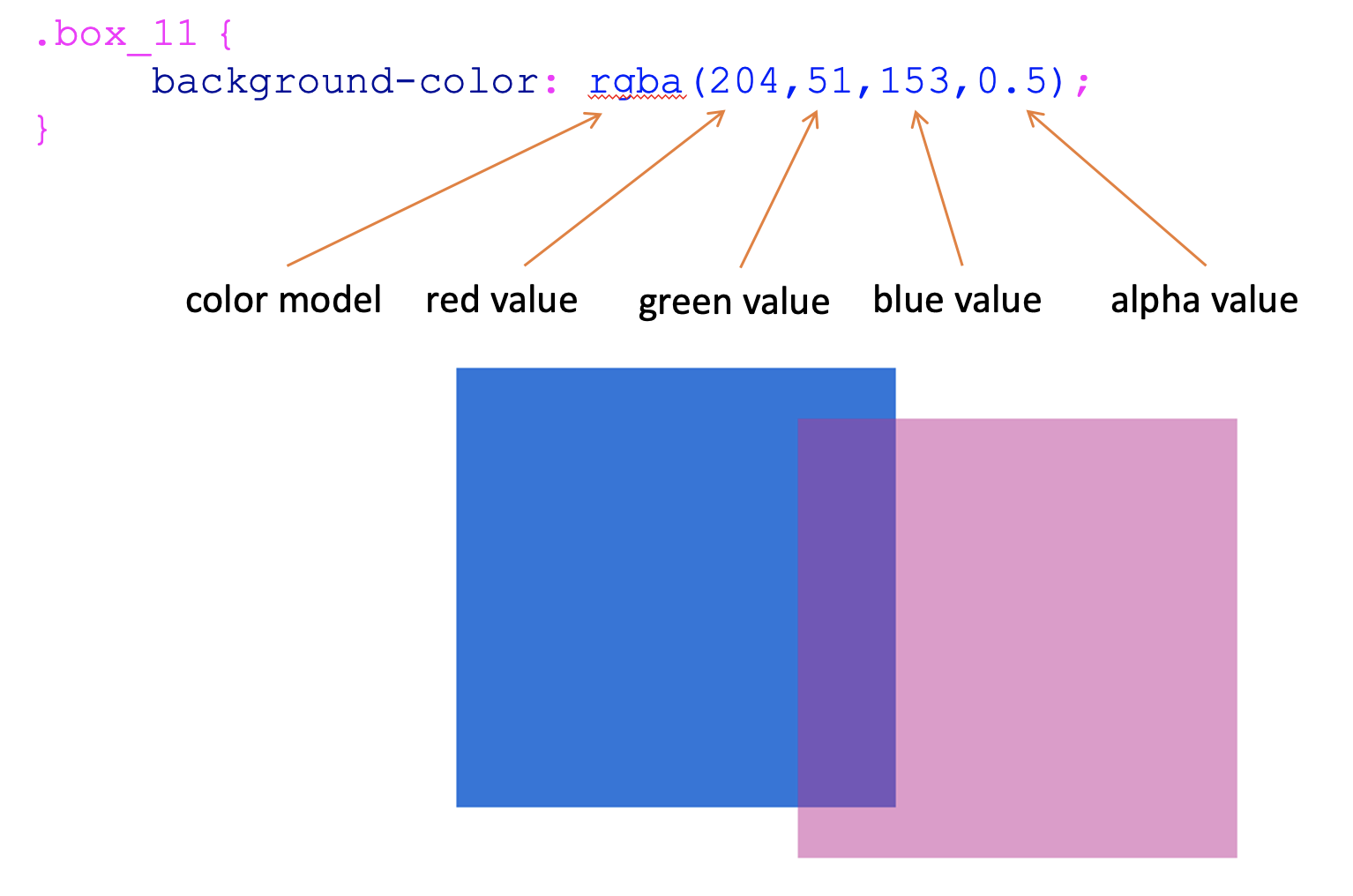
Using the rgba colour space we can specify red, green, and blue values as a range between 0 and 255, and alpha values as a range between 0 and 1.
#rgba .red-box {  background-color: rgba(255, 0, 0, 0.6);}
#rgba .blue-box {  background-color: rgba(0, 0, 255, 0.6);}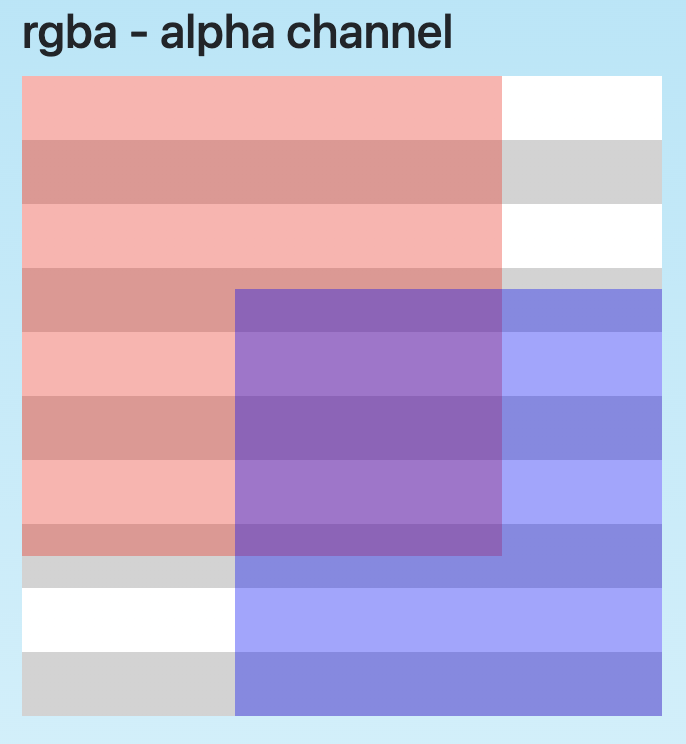
RGBA Deconstructed
Section titled “RGBA Deconstructed”RGBA adds an alpha (opacity) channel to the RGB color format.
The alpha channel takes a value between 0 (transparent) and 1 (opaque).