Shadows
Box Shadows
Section titled “Box Shadows”Box shadow adds a drop shadow to HTML elements.
Simple Box Shadow
Section titled “Simple Box Shadow”box-shadow: 1rem 1rem 1rem -0.2rem black;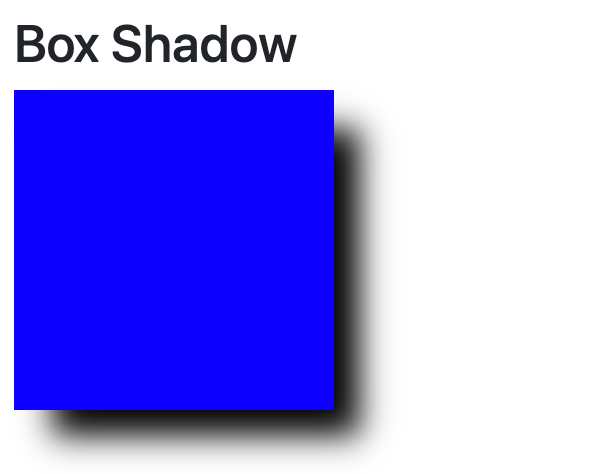
Inset Box Shadow
Section titled “Inset Box Shadow”box-shadow: inset 1rem 1rem 1rem 1rem black;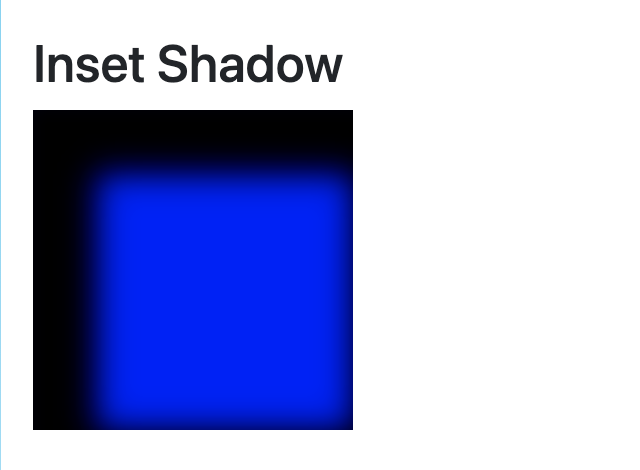
Box Shadow Parameters
Section titled “Box Shadow Parameters”- Inset (optional)
- Determines whether the shadow is inset or not
- If omitted the browser will assume that the box shadow is a regular drop shadow
- offset-x (required)
- Sets the x axis offset of the drop shadow
- offset-y (required)
- Sets the y axis offset of the drop shadow
- blur-radius (optional)
- Sets the blur of the shadow
- spread-radius (optional)
- Sets how much the shadow will expand or shrink
- Positive values will cause the shadow to expand
- Negative values will cause the shadow to shrink
Box Shadow Deconstructed
Section titled “Box Shadow Deconstructed”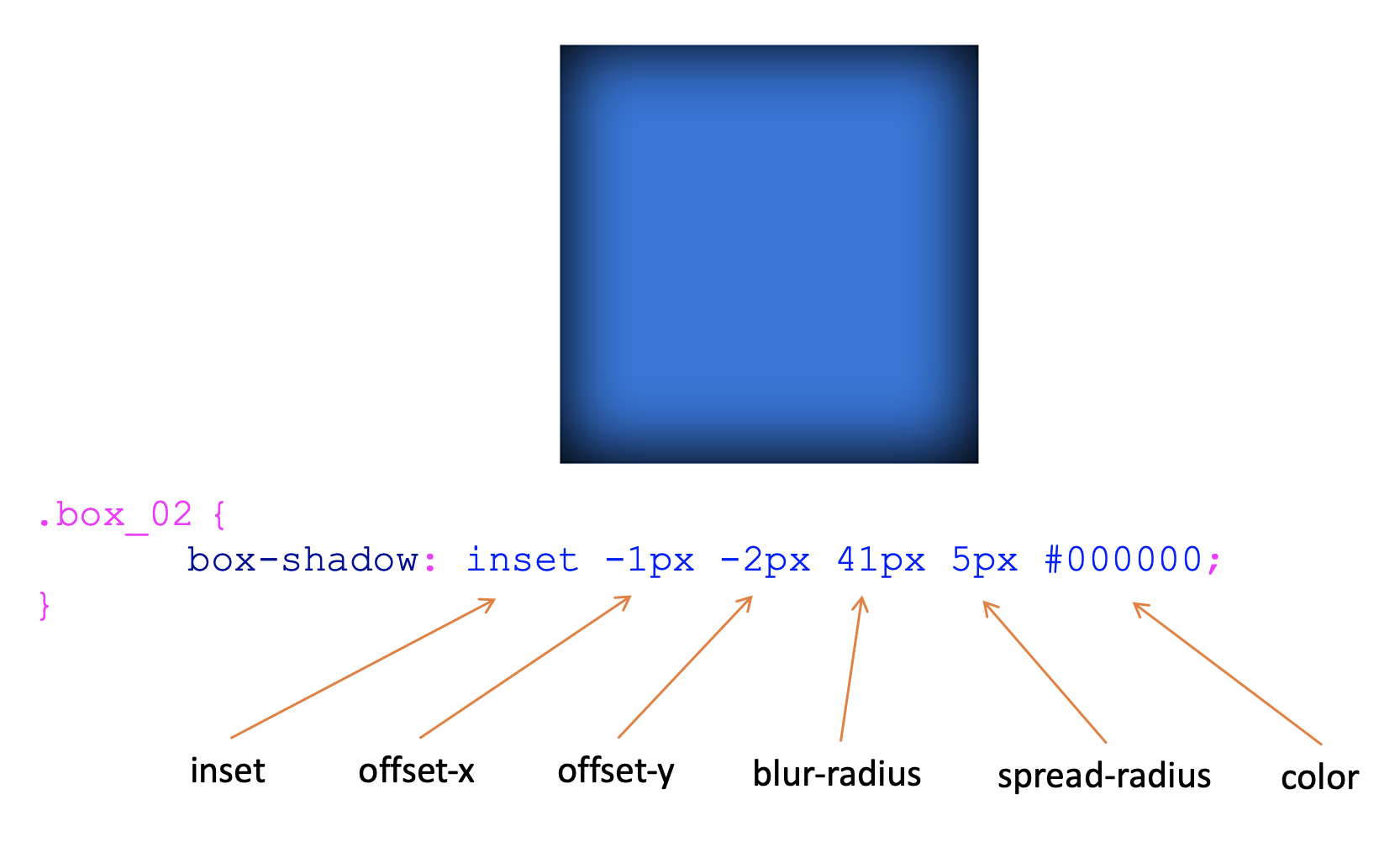
Multiple Shadows
Section titled “Multiple Shadows”To add multiple shadows, set the value of the box-shadow property to a comma separated list of the shadow parameters.
box-shadow: 0 0 0 2rem yellow, 0 0 0 3rem black;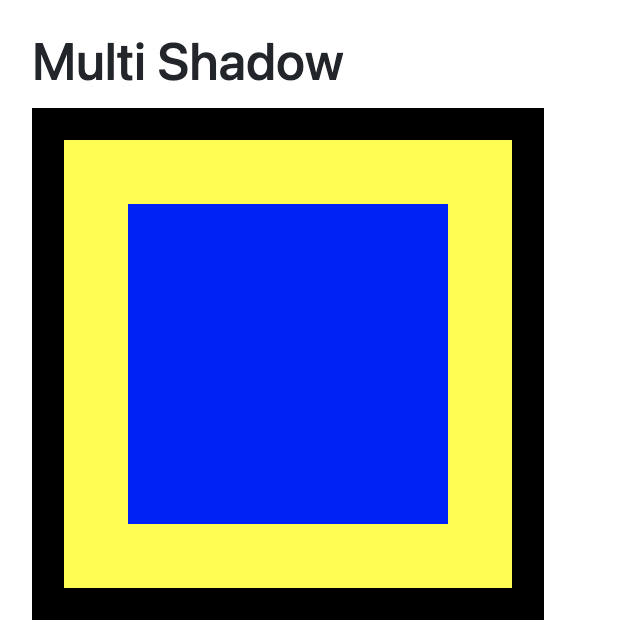
Text Shadows
Section titled “Text Shadows”Text shadow adds a drop shadow to text.
text-shadow: 0.5rem 0.5rem 0.5rem grey;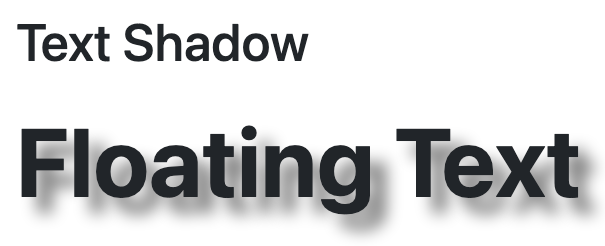
You can also add multiple text-shadows by specifying them in comma separated lists of parameters.
color: aqua;text-shadow:0.2rem 0.2rem 0 blue,
0.4rem 0.4rem 0 yellow,
0.6rem 0.6rem 0 blue,
0.8rem 0.8rem 0 blue;
Text Shadow Parameters
Section titled “Text Shadow Parameters”- Color (optional)
- Can be placed at the beginning or end of the style declaration
- offset-x (required)
- Sets the x axis offset of the drop shadow
- offset-y (required)
- Sets the y axis offset of the drop shadow
- blur-radius (optional)
- Sets the blur of the shadow