Annie-Mation Unleashed
Keyframe Orchestration
Section titled “Keyframe Orchestration”Welcome to the show — this is where motion stops being a reaction and becomes a performance.
Ion Drive taught us transitions: motion from state A → state B.
Now we break free of states entirely and craft custom motion paths, timed sequences, loops, and full-blown choreography.
Keyframes give us complete control over:
- What moves
- How it moves
- When it moves
- How long it moves
- How often it repeats
- What happens before, during, and after the motion
This is animation as a design tool — expressive, intentional, and downright fun.
🎭 What We’ll Master
Section titled “🎭 What We’ll Master”@keyframes: custom motion sculpted frame-by-frame- Multi-step sequences
- Direction, fill modes, repetition
- Pausing, reversing, ping-ponging
- Combining transforms + opacity + color shifts
- Triggering animations via classes, events, and intersection
- Keeping motion performant
- When animation enhances UX — and when it gets in the way
If Ion Drive was about propulsion, AnnieMation is about choreography.
🧪 Demo Repo
Section titled “🧪 Demo Repo”➡️ WebDevTnT — Adventures With AnnieMation
https://github.com/ProfessorSolo/WebDevTnT-Adventures-With-AnnieMation
Open it beside the lesson — each page maps cleanly to its chapter.
🎥 Video Overview
Section titled “🎥 Video Overview”Feature reel coming soon.
Until then — keep the neon glow alive:
➡️ Professor Solo on YouTube
https://www.youtube.com/@Professor_Solo
Tap subscribe. Annie insists.
📸 Annie Begins Her Arc
Section titled “📸 Annie Begins Her Arc”Hover the card to launch Annie.
Slides & Infographic
Section titled “Slides & Infographic”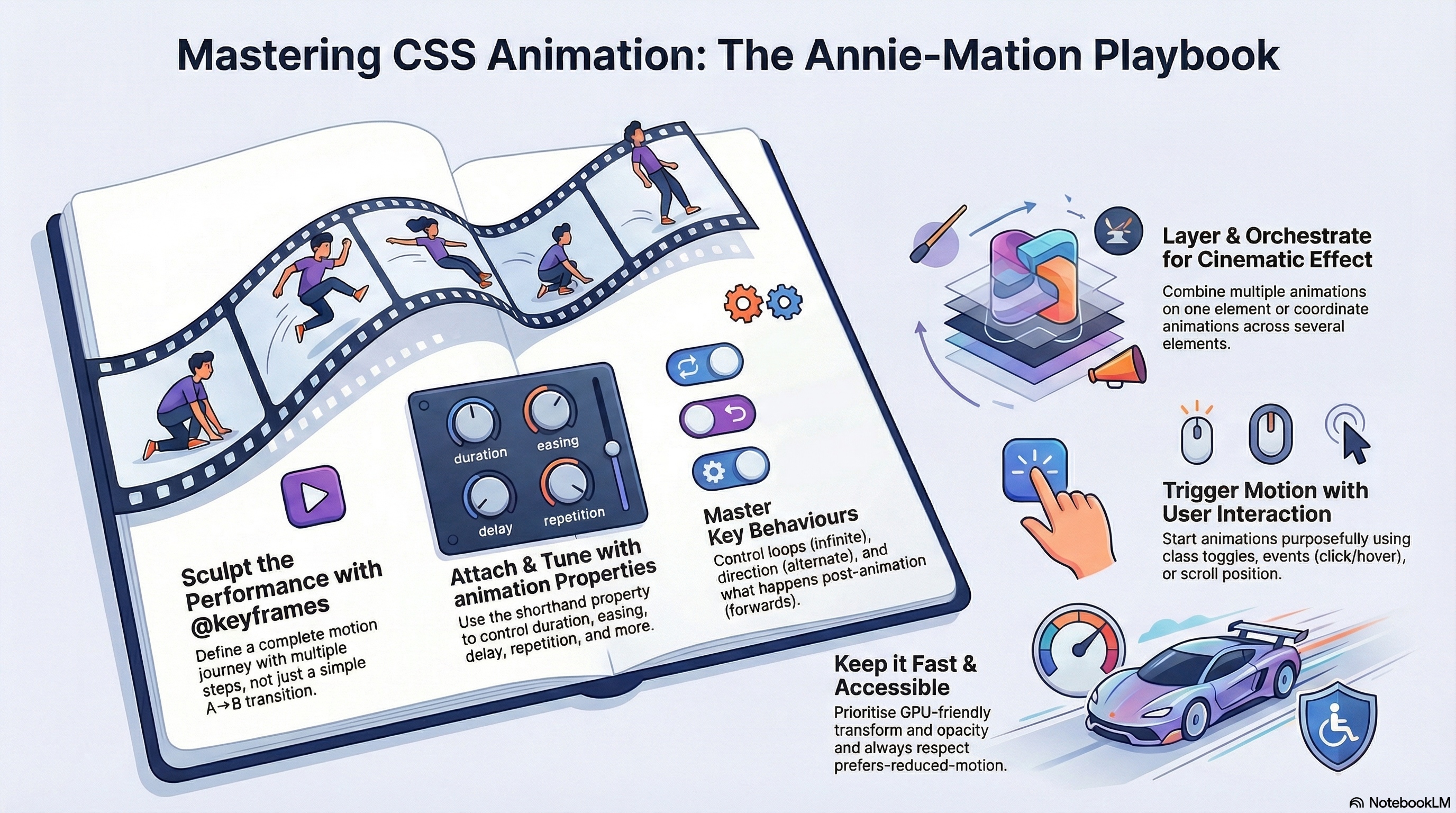
➡️ Next page: Keyframes Basics — declaring, naming, and sequencing your first animation.